

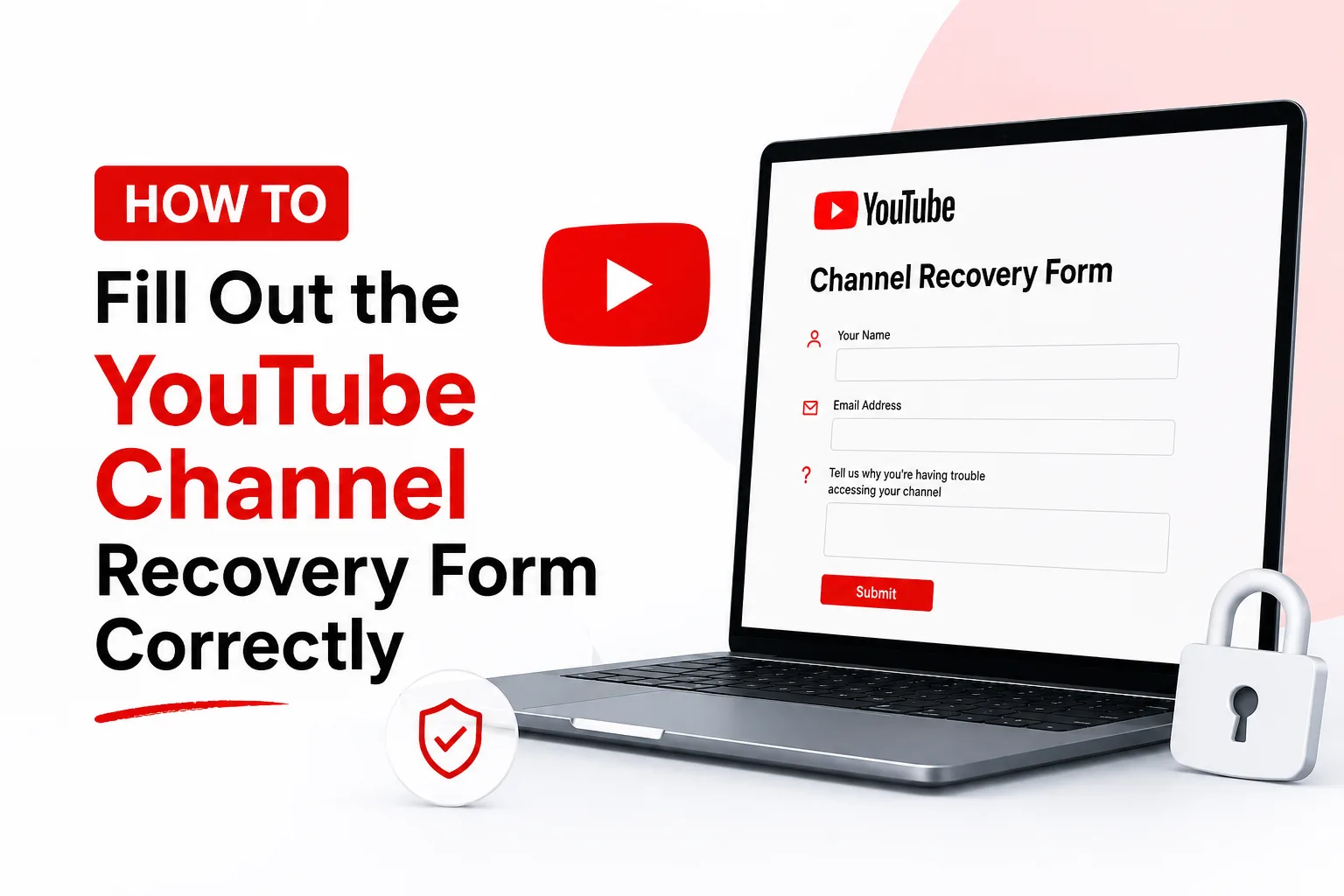
Losing access to your YouTube channel can be stressful, especially if you’ve spent years creating content and growing your audience. Whether your account was hacked, disabled, or you simply can’t log in, the YouTube channel recovery form is one of the most effective ways to request assistance from Google.
In this guide, you’ll learn how to complete the YouTube channel recovery form correctly, avoid common mistakes, and improve your chances of recovering your account as quickly as possible.
What Is the YouTube Channel Recovery Form?
- The YouTube Channel Recovery is an official support form provided by Google that allows creators to report issues related to their YouTube accounts. It helps users recover channels that have been
- Hacked or compromised
- Suspended or disabled
- Inaccessible because of login problems
- Taken over by unauthorized users
When Should You Use the YouTube Channel Recovery Form?
You should use the recovery form if:
- Your YouTube channel has been hacked.
- Your Google account credentials no longer work.
- Your recovery email or phone number has been changed.
- Your channel was disabled without clear reason.
- Someone else has gained control of your account.
- Standard password recovery methods have failed.
If you can still access your Google account, try changing your password and enabling two-factor authentication before submitting the form.
Information You’ll Need Before Filling Out the Form
Preparing your information beforehand makes the recovery process much smoother.
Gather the following details:
- Your YouTube channel URL
- Your Google account email address
- Previous passwords you remember
- Recovery phone number
- Recovery email address
- Approximate account creation date
- Date when you lost access
- Devices you’ve previously used to log in
- Screenshots of suspicious activity (if available)
The more accurate your information is, the easier it becomes for Google to verify ownership.
How to Fill Out the YouTube Channel Recovery Form Correctly
Follow these steps carefully.
Step 1: Enter Your Correct Google Account
Always use the Google account originally associated with your YouTube channel.
Avoid entering alternate emails unless specifically requested.
Step 2: Provide Your Channel URL
Instead of only writing your channel name, include the complete channel URL whenever possible.
Example:
https://www.youtube.com/@YourChannelName
This helps Google identify your channel faster.
Step 3: Explain the Problem Clearly
Describe exactly what happened.
Good example:
“My YouTube channel was hacked on June 15. The attacker changed my recovery email and password. I can no longer access my account despite trying Google’s recovery process.”
Avoid long emotional explanations.
Stick to the facts.
Step 4: Include Important Dates
Mention:
- When you last logged in
- When you noticed the issue
- When unauthorized changes occurred
- When you attempted recovery
Accurate timelines help Google’s investigation.
Step 5: Answer Every Question Honestly
Never guess information.
If you’re unsure about an answer, state that you’re unsure instead of providing incorrect details.
Google compares your answers with account records.
Step 6: Upload Supporting Evidence
If requested, include:
- Screenshots
- Security alerts
- Email notifications
- Previous YouTube Studio screenshots
- Ownership documents (for Brand Accounts if applicable)
Supporting evidence strengthens your request.
Step 7: Double-Check Before Submitting
Recover Hacked YouTube Channel Before submitting the YouTube channel recovery form, verify:
- The email address is correct
- The channel URL is accurate
- Dates are correct
- Explanation is clear
- Contact information is current
Even small mistakes may delay verification.
Common Mistakes to Avoid
Many recovery requests fail because users make simple errors.
Avoid these mistakes:
- Using the wrong email address
- Providing incomplete information
- Guessing previous passwords
- Writing emotional messages instead of factual explanations
- Submitting multiple forms repeatedly
- Ignoring Google’s follow-up emails
Submitting multiple requests within a short period can slow down the recovery process.
How Long Does YouTube Take to Respond?
Recovery times vary depending on the complexity of the case.
Typical response times are the following:
| Recovery Type | Estimated Time |
|---|---|
| Password Recovery | Minutes to 48 Hours |
| Hacked Channel | 2–7 Days |
| Suspended Channel Review | Several Days to 2 Weeks |
| Complex Ownership Verification | Up to Several Weeks |
Always monitor both your inbox and spam folder for updates.
Tips to Increase Your Recovery Success Rate
Following these best practices can significantly improve your chances.
Use Familiar Devices
Submit the recovery request from:
- Your home computer
- Your regular smartphone
- Your usual internet connection
Google recognises trusted devices.
Keep Your Information Consistent
Your recovery answers should match the following:
- Previous passwords
- Recovery phone numbers
- Login locations
- Device history
Consistency builds confidence during verification.
Enable Two-Factor Authentication After Recovery
Once your account is recovered:
- Change your password immediately.
- Remove unknown devices.
- Review account permissions.
- Enable two-factor authentication.
- Update recovery options.
This helps prevent future attacks.
What Happens After Your Submission
After submission, Google will:
- Review your request.
- Verify account ownership.
- Compare your information with existing records.
- Contact you if additional verification is required.
- Restore access if ownership is confirmed.
Be patient and avoid submitting duplicate requests while waiting.
Frequently Asked Questions
Is the YouTube channel recovery form free?
Yes. Google’s official YouTube channel recovery form is completely free to use.
Can I recover a hacked YouTube channel?
Yes. If you provide accurate ownership information and sufficient evidence, Google may restore your account.
Can I submit multiple recovery forms?
It’s generally recommended to submit only one complete request and wait for Google’s response. Repeated submissions can slow the review process.
What if I forgot my recovery email?
Provide as much accurate account information as possible, including previous passwords, devices, and login history.
Can I recover a permanently deleted YouTube channel?
Recovery depends on the reason for deletion and how much time has passed. Contact Google as soon as possible for the best chance of restoration.
Final Thoughts
Completing the YouTube channel recovery form correctly is one of the most important steps toward regaining access to your YouTube channel. Providing accurate information, clear explanations, and supporting evidence can greatly improve your chances of a successful recovery.
If your channel has been hacked or you’ve lost access, act quickly, follow Google’s recovery instructions carefully, and avoid submitting multiple requests. Once your account is restored, strengthen its security with a strong password, updated recovery details, and two-factor authentication to reduce the risk of future issues.YouTube Channel Recovery